AI car photo editor for dealerships
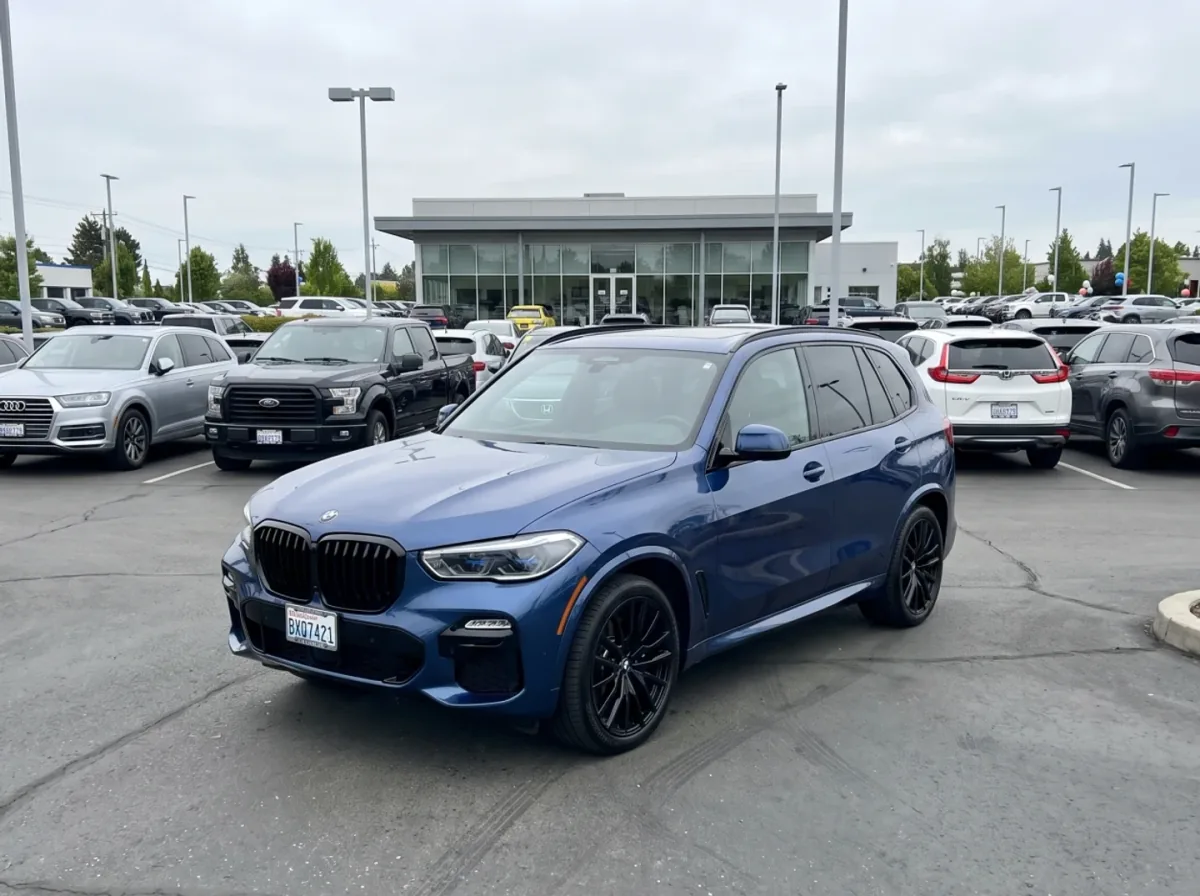
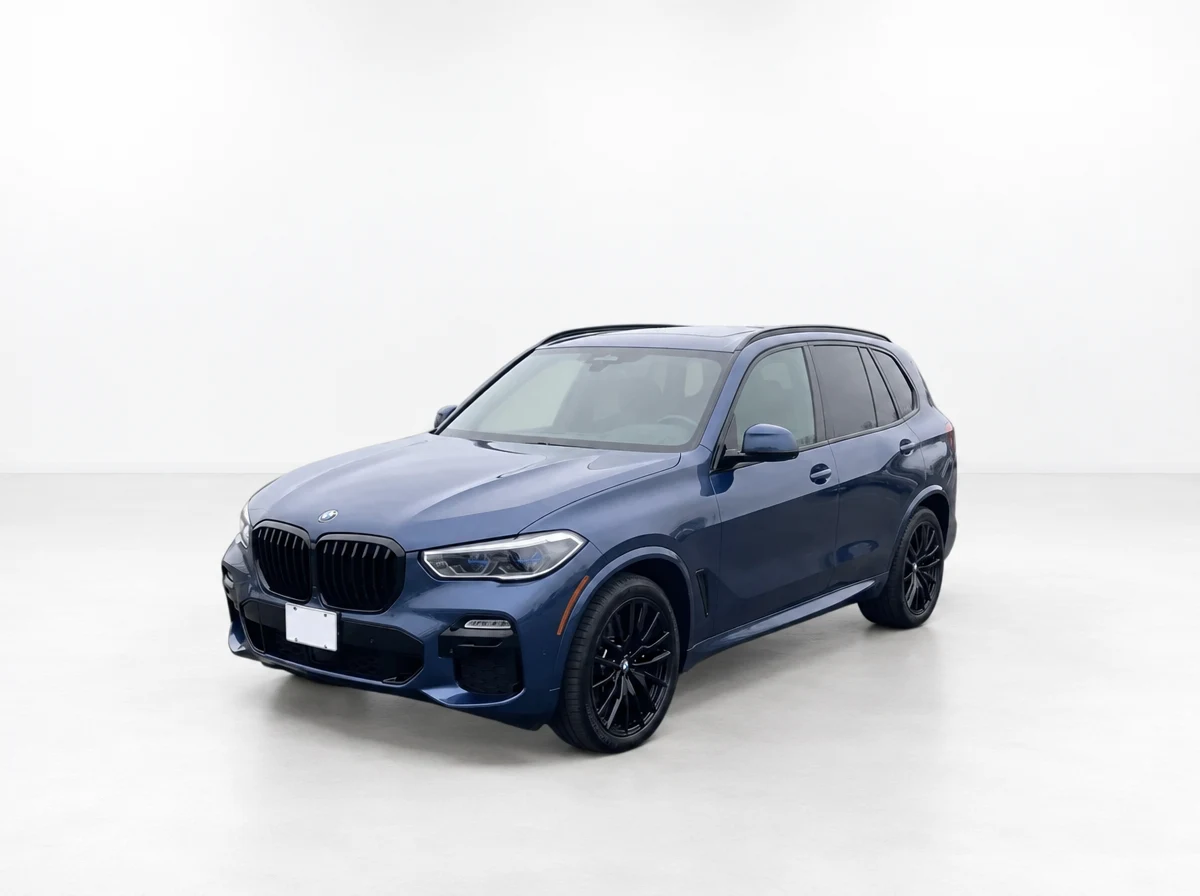
Turn ordinary lot shots into studio listings
Turn the inventory photos you already have into consistent, listing-ready images. Choose a dealership background and export polished results for your listings.

Try It Now
Upload a car photo and see the upgrade
Pick a real inventory shot and preview what CarPixAI can turn it into.
Car inventory photo editor
Professional photos make every vehicle easier to sell.
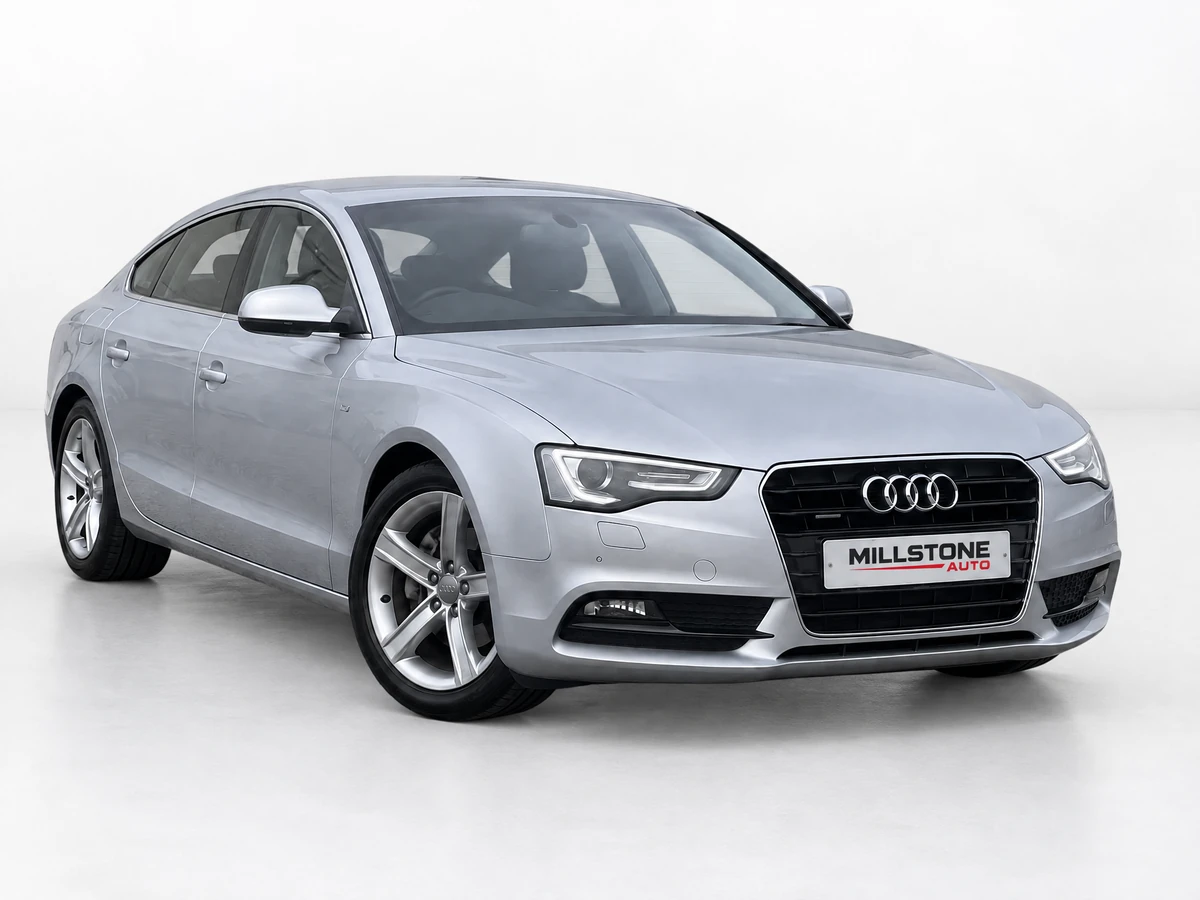
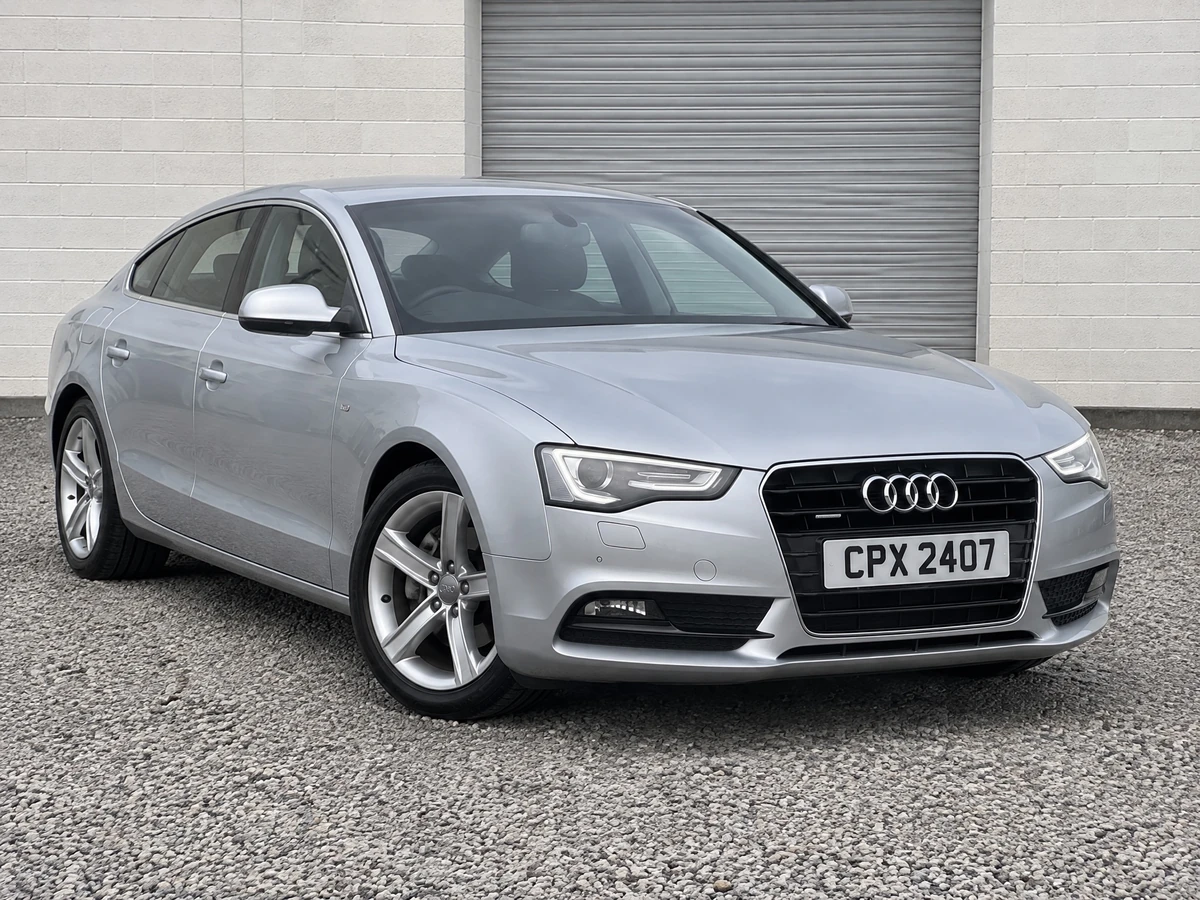
Turn the photos you already have into a consistent inventory presentation that looks ready for your website, marketplaces, and ads.
- Keep a consistent look across every listing.
- Use clean backgrounds that keep attention on the vehicle.
- Add your dealership identity without covering the car.
See the difference
How It Works
From lot photo to studio listing
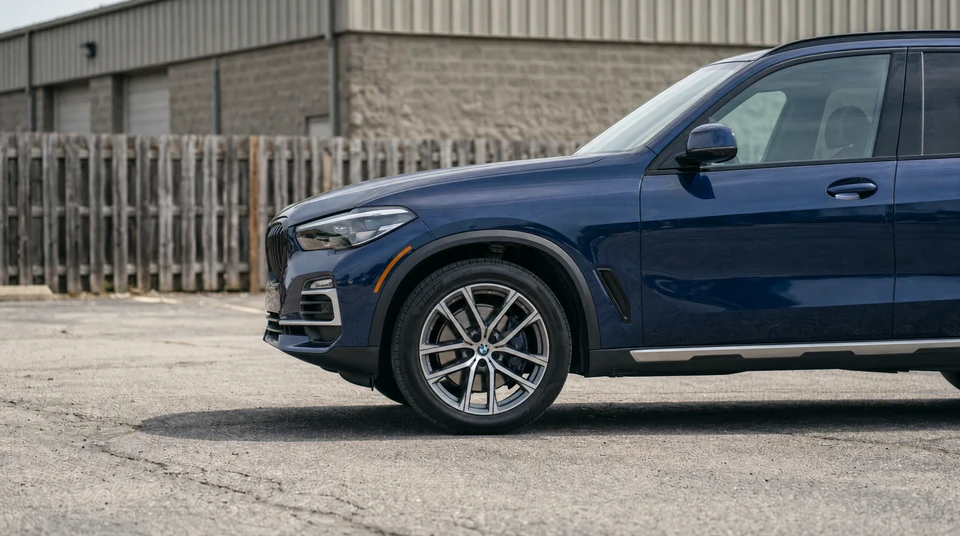
Upload an existing lot, auction, trade-in, or phone photo. Choose a consistent dealership background, then download the finished image for your listing.
01
Upload a photo
Use a normal inventory shot from your phone, camera, or existing listing.
Choose a background

Clean Dealer Studio

White Marketplace Studio
Selected
Premium Showroom
02
Choose the look
Pick a clean dealership background, studio style, or branded setup.
03
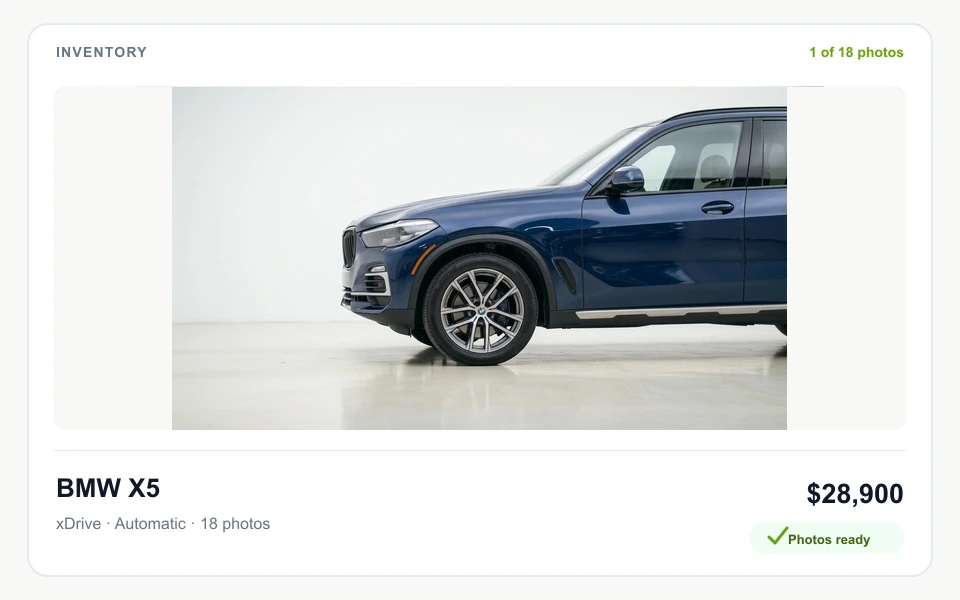
Download and list
Use the finished image on your website, marketplace listings, and ads.
Features
Everything you need for dealership photos
Edit exterior and interior inventory photos, keep dealership presentation consistent, and manage larger batches from one workflow.
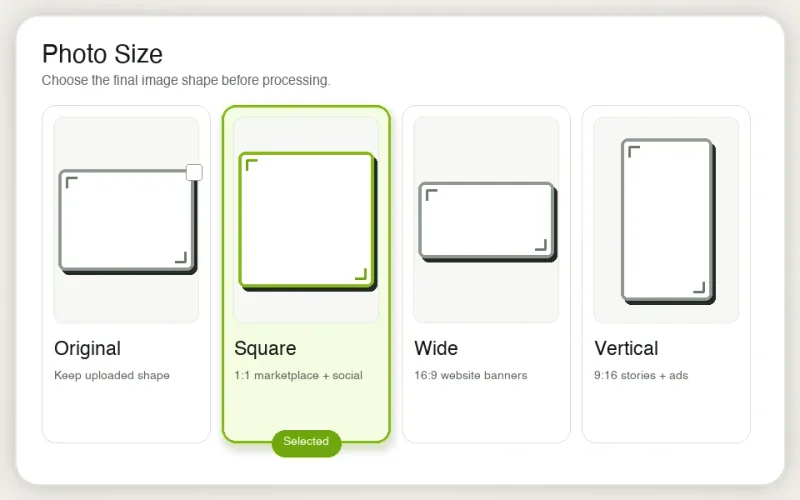
Choose your output size
Pick original, square, wide, or vertical for the channel you need.
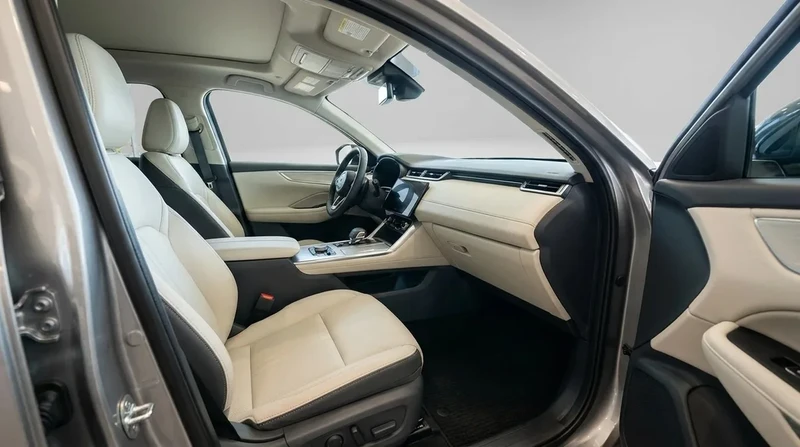
Process indoor photos
Handle cabin, dashboard, cargo, garage, and covered-bay photos.
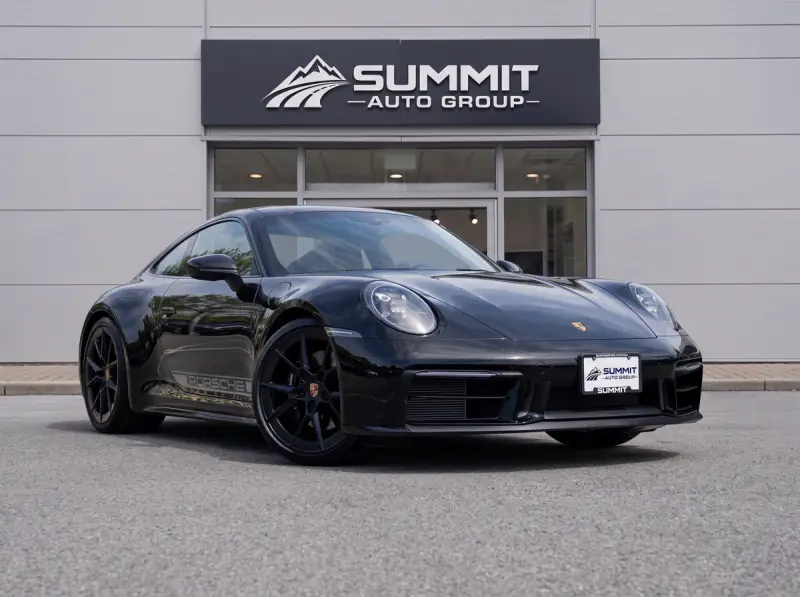
Add your dealership logo
Apply your logo with the placement, size, and inset that fit your brand.
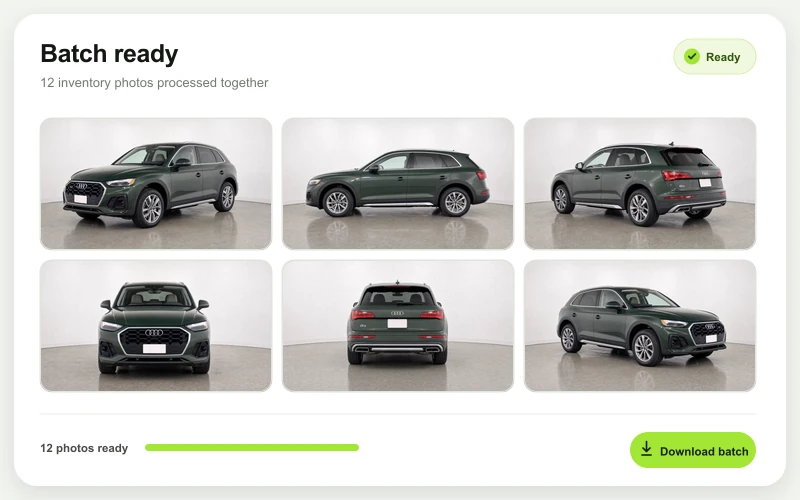
Bulk uploads
Process, review, and download larger groups of inventory photos together.
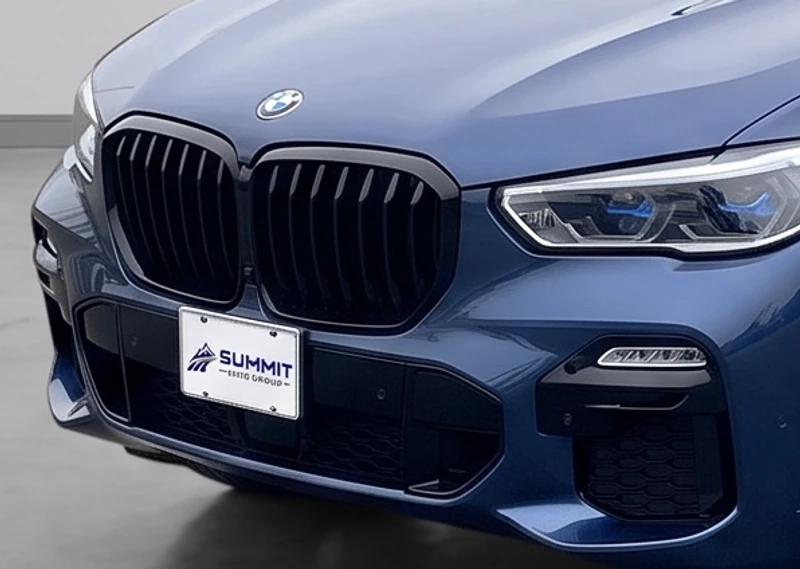
Customize license plates
Keep the original, blank the plate face, or replace it with your dealership logo.
Learn about dealer logo plates/api/v1/photos/process-batchAuthorization → Bearer ***
Idempotency-Key → stock-123-batch-v1
REST API + MCP
Put photo processing in your workflow
Queue 1–10 vehicle photos through REST or an MCP-compatible assistant.
Try It Now
See what your next listing could look like
Upload one car photo and preview a cleaner, more professional version before you sign up.
Try NowCommon Questions
Everything you need to know
What is an AI car photo editor for dealerships?
An AI car photo editor for dealerships turns existing vehicle photos into cleaner, more consistent listing images. CarPixAI helps dealerships improve inventory presentation with dealership backgrounds, exterior and interior photo support, branding options, and downloadable images for websites, marketplaces, social posts, and ads.
How do dealerships use CarPixAI to edit inventory photos?
Upload an existing lot, auction, trade-in, or phone photo, choose a dealership background, process the image, and download the finished result. Dealers can use the same workflow across inventory to create a more consistent presentation without changing how they capture photos.
Can AI improve a dealership photo without changing the vehicle or its condition?
Yes. CarPixAI is designed to improve the presentation around the vehicle while preserving the real car. Paint, trim, wheels, glass, badges, accessories, proportions, visible damage, and condition should remain accurate so the finished image represents the same vehicle in a cleaner dealership setting.
Can dealerships edit car photos without a photo booth or new capture app?
Yes. CarPixAI is built for dealers who already have usable vehicle photos and want to improve their listing presentation without changing their capture process. Upload the photos you have, choose a dealership background, and create polished images for your inventory listings from the browser.
Does CarPixAI support batch car photo editing?
Yes. Dealerships can upload, process, and download larger groups of inventory photos from one workflow. This helps keep backgrounds, output sizes, branding, and listing presentation consistent across multiple vehicles.
Can CarPixAI edit exterior and interior vehicle photos?
Yes. CarPixAI supports exterior inventory photos as well as cabin, dashboard, seat, cargo-area, garage, and covered-bay images, so dealerships can prepare a more consistent photo set for each listing.
What parts of a dealership photo can I customize?
You can choose the background style and output size, apply a dealership logo, and select how the license plate should appear. The workflow is built to improve presentation while keeping the vehicle itself recognizable and accurate.
Where can I use edited car inventory photos?
Use finished images on dealership websites, vehicle detail pages, online marketplaces, social posts, and ads. Available output sizes include original, square, wide, and vertical formats for different listing channels.
Can I try CarPixAI before choosing a plan?
Yes. The account trial includes 5 photos and does not require a credit card. Start with a real inventory image, choose a background, and see the finished workflow before selecting a monthly plan.
Who is CarPixAI for?
CarPixAI is for dealerships that want a repeatable way to improve existing inventory photos, from independent stores to teams processing photos every week. Choose it when consistent backgrounds, vehicle accuracy, review, and listing-ready downloads matter.
Can CarPixAI process photos through an API or publish directly to a DMS?
Professional and Business plans include photo-processing REST API and MCP access. Dealers can also upload and export through the browser. CarPixAI does not currently publish images directly to a DMS or listing feed.
What should dealerships look for in car inventory photo software?
Choose software based on monthly photo volume, support for existing photos, batch handling, branding, output sizes, and whether you need direct inventory-system publishing or 360-degree tours. CarPixAI focuses on a self-serve upload, process, review, and download workflow for dealerships using existing photos.
Contact
Want help with dealership photos?
Questions, demos, and dealership workflow help all have a dedicated place now.
Contact CarPixAI